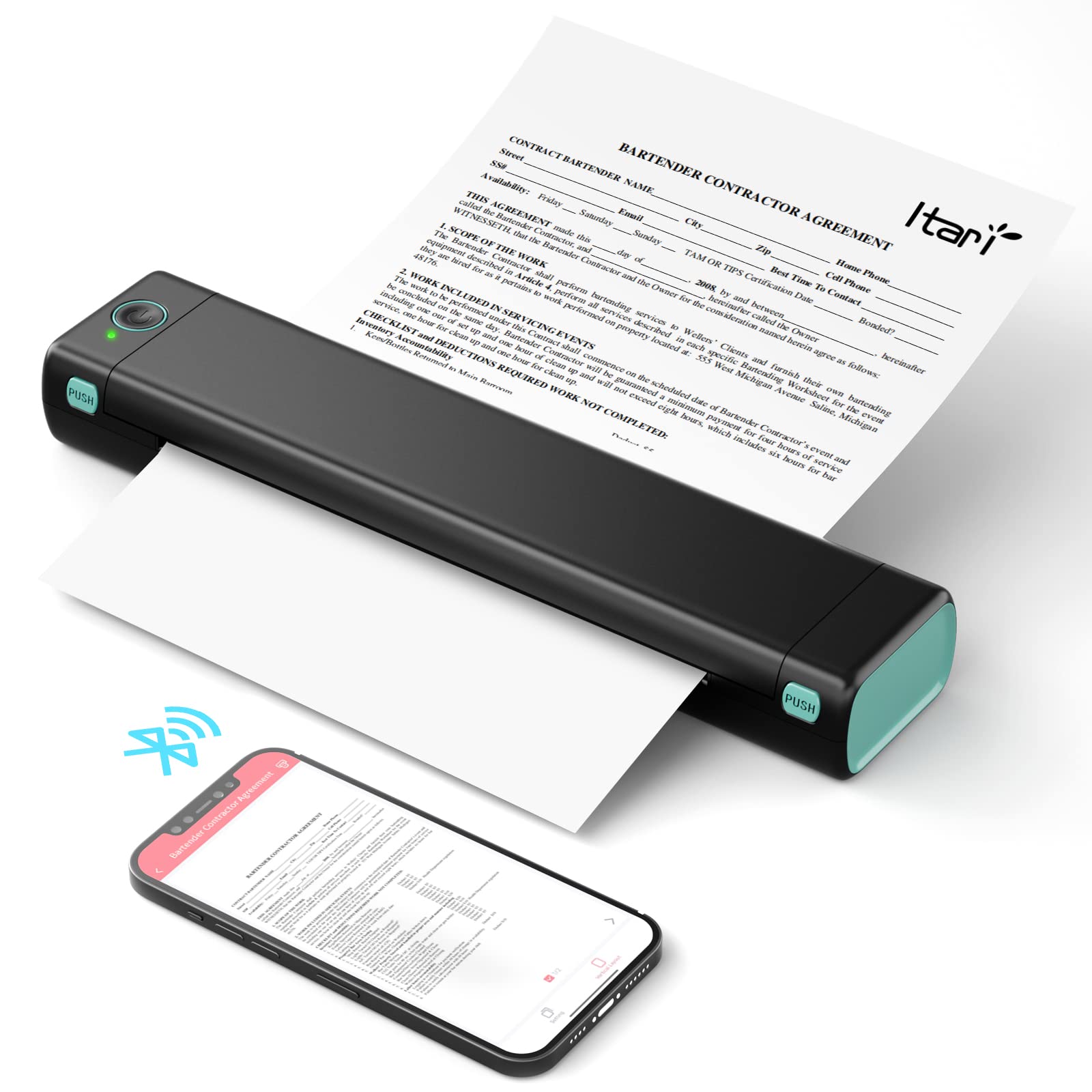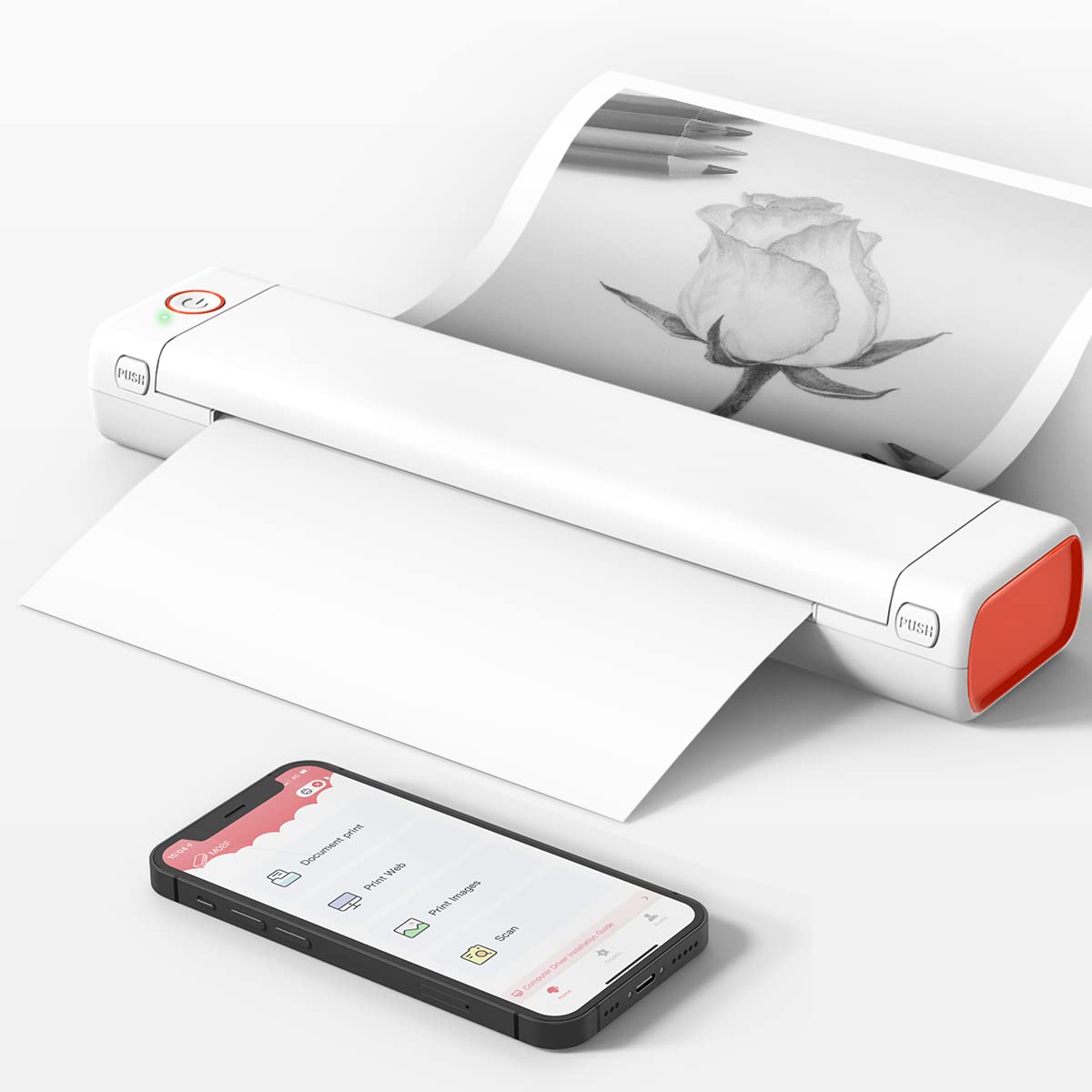



A4 Portable Printers Wireless For Travel Bluetooth-compatible Thermal Printer, Suitable For Mobile Office,Support Tattoo Paper Phomemo M08F
Regular price £159.77Product information:
Model: M08F
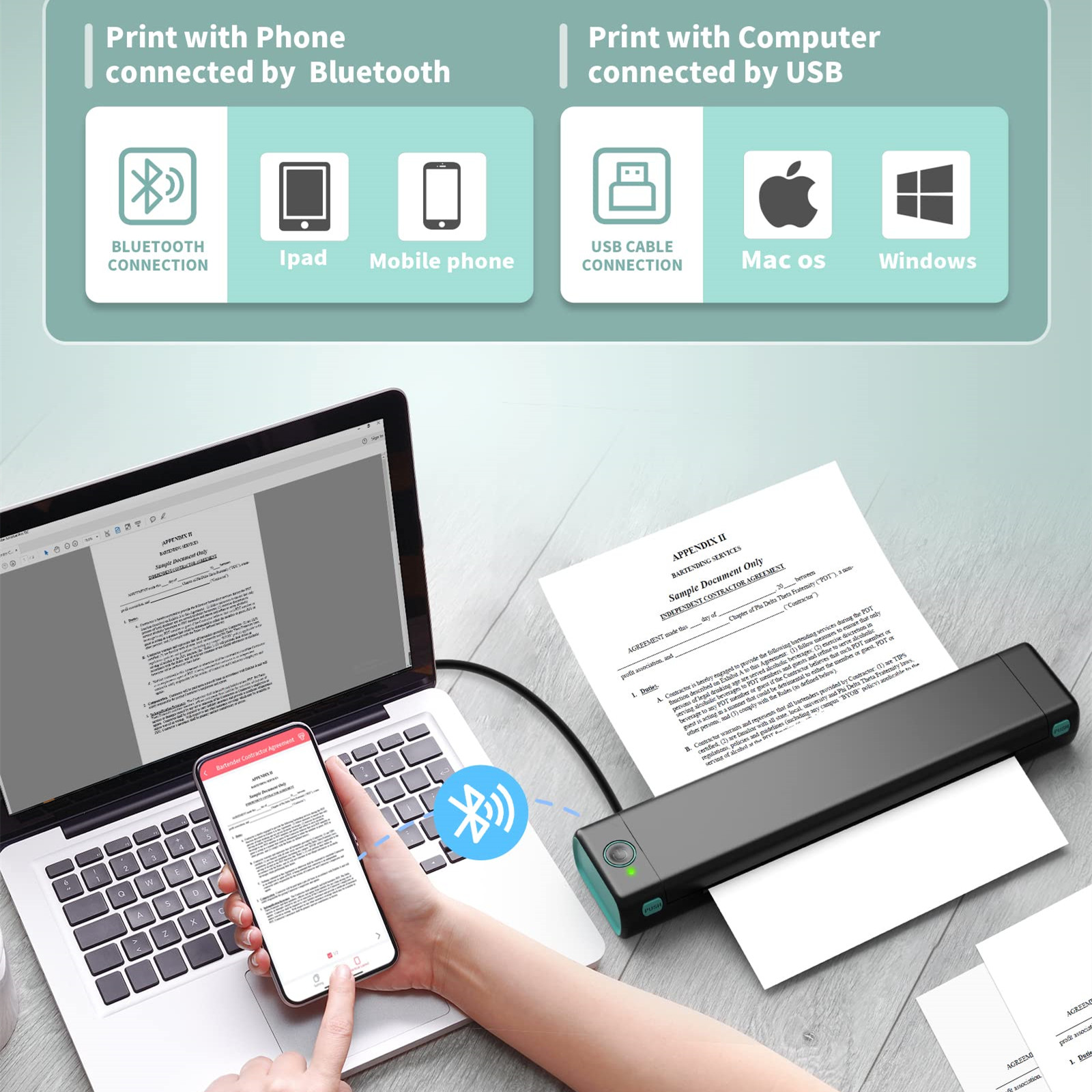
Connection: Mobile phone, tablet Bluetooth connection, PC can only use USB cable connection
Printing Technology: Thermal Printing
Paper Type: Only Thermal Paper
Printing Color: Monochrome(only black and white)
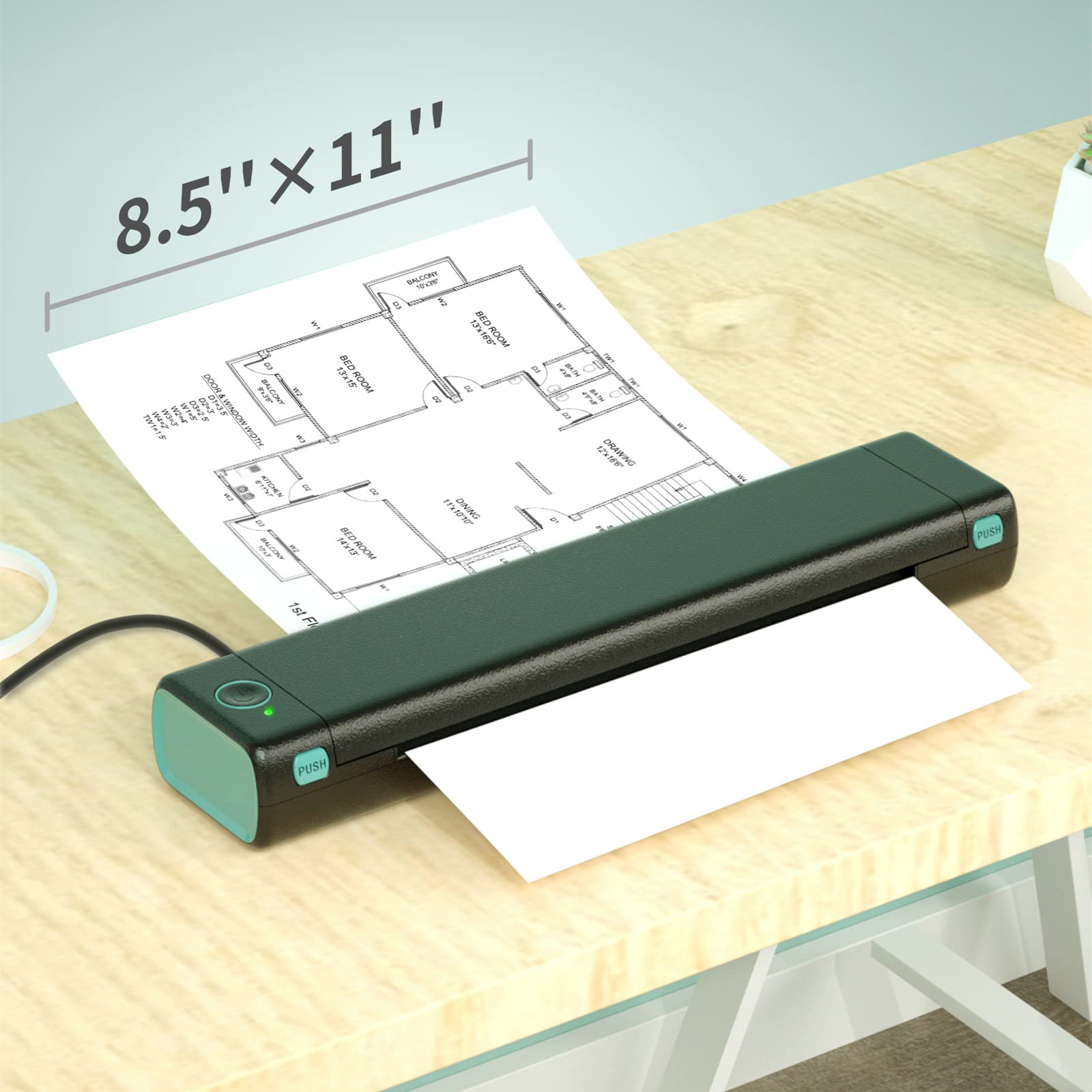
Paper : 21X29.7cm( A4 )
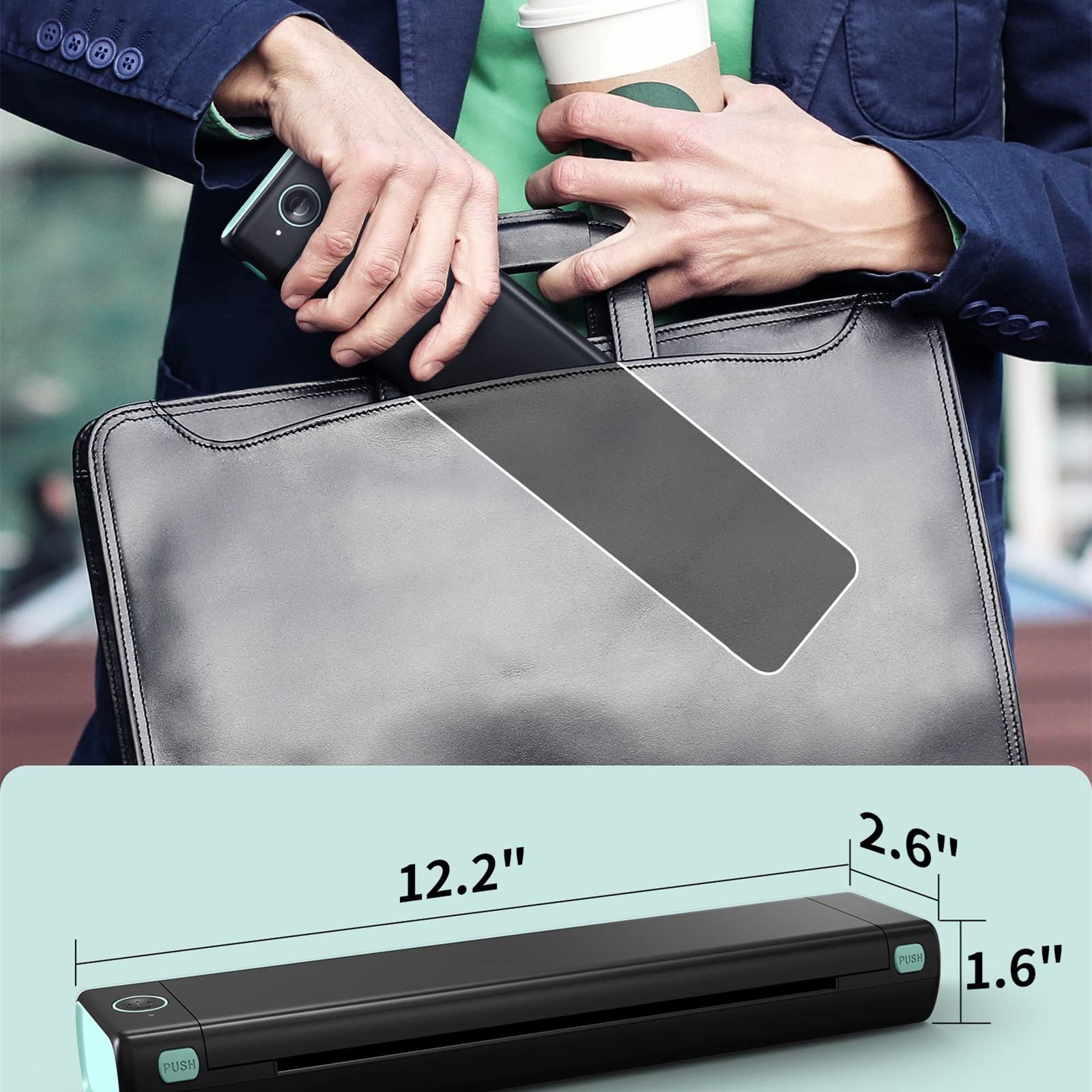
Product size: 310x67x40 (mm)
Printing Speed: 13mm/s
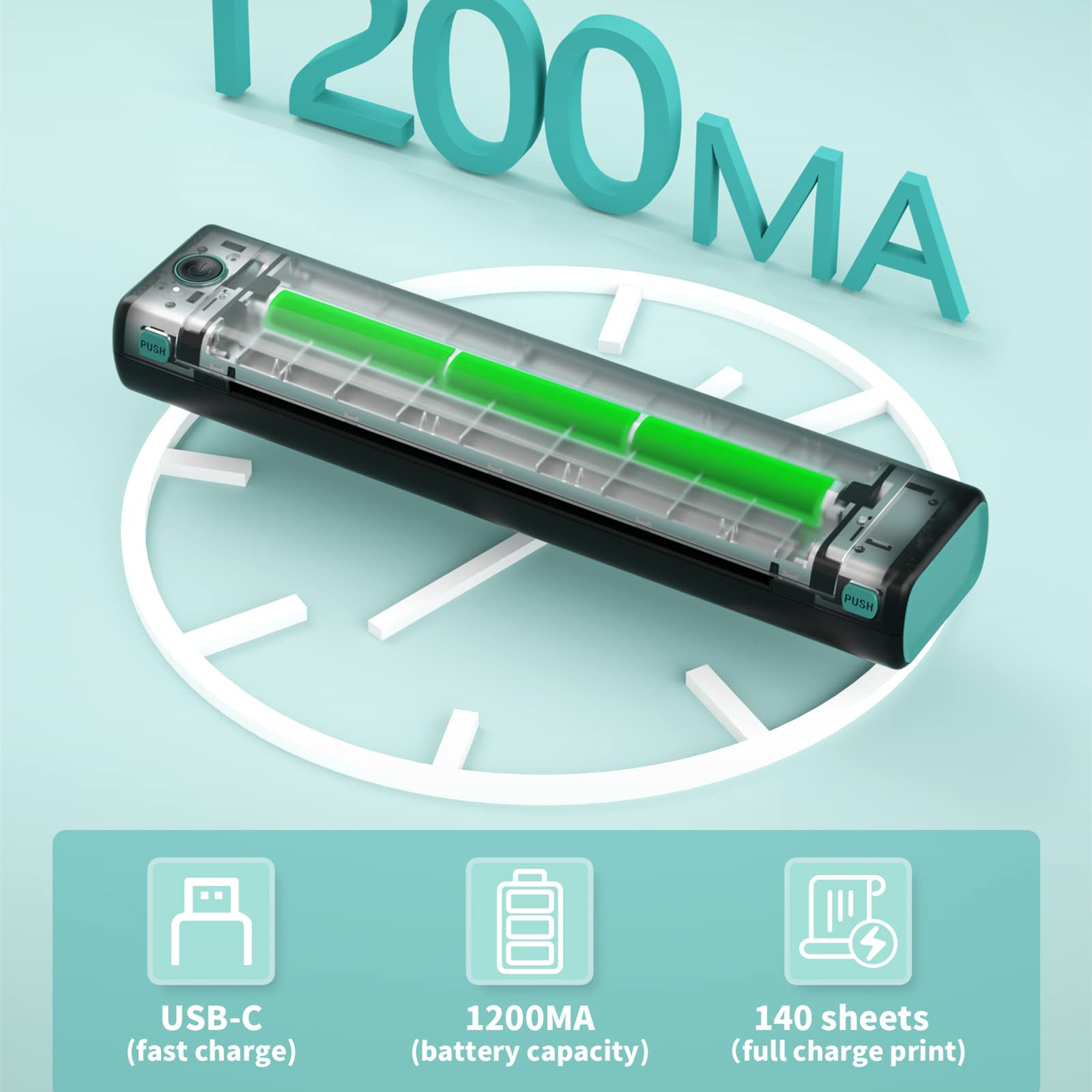
Input: 5V 2A
Charging time: 2.5H
Standby time: 30 Days
Note:
1. The only consumable is Phomemo A4 thermal paper, no ink is needed.
2. Must use a USB cable to use the PC, and you cannot use Bluetooth to connect to the PC.
3. Please keep the thermal paper in a room temperature and dark environment, and it can be stored for up to ten years.
Note: Overheating of the machine can cause paper jams!!!
If the pattern is too complex or large shaded pattern, the machine needs to process too much information and the machine will easily overheat, resulting in a paper jam.
Do not transfer complex patterns continuously, you need to wait until the cover is opened to allow the machine to cool down sufficiently. Touch the thermal metal print head to see if the machine is cool.
Packing list:
Printer+Charging line+instructions